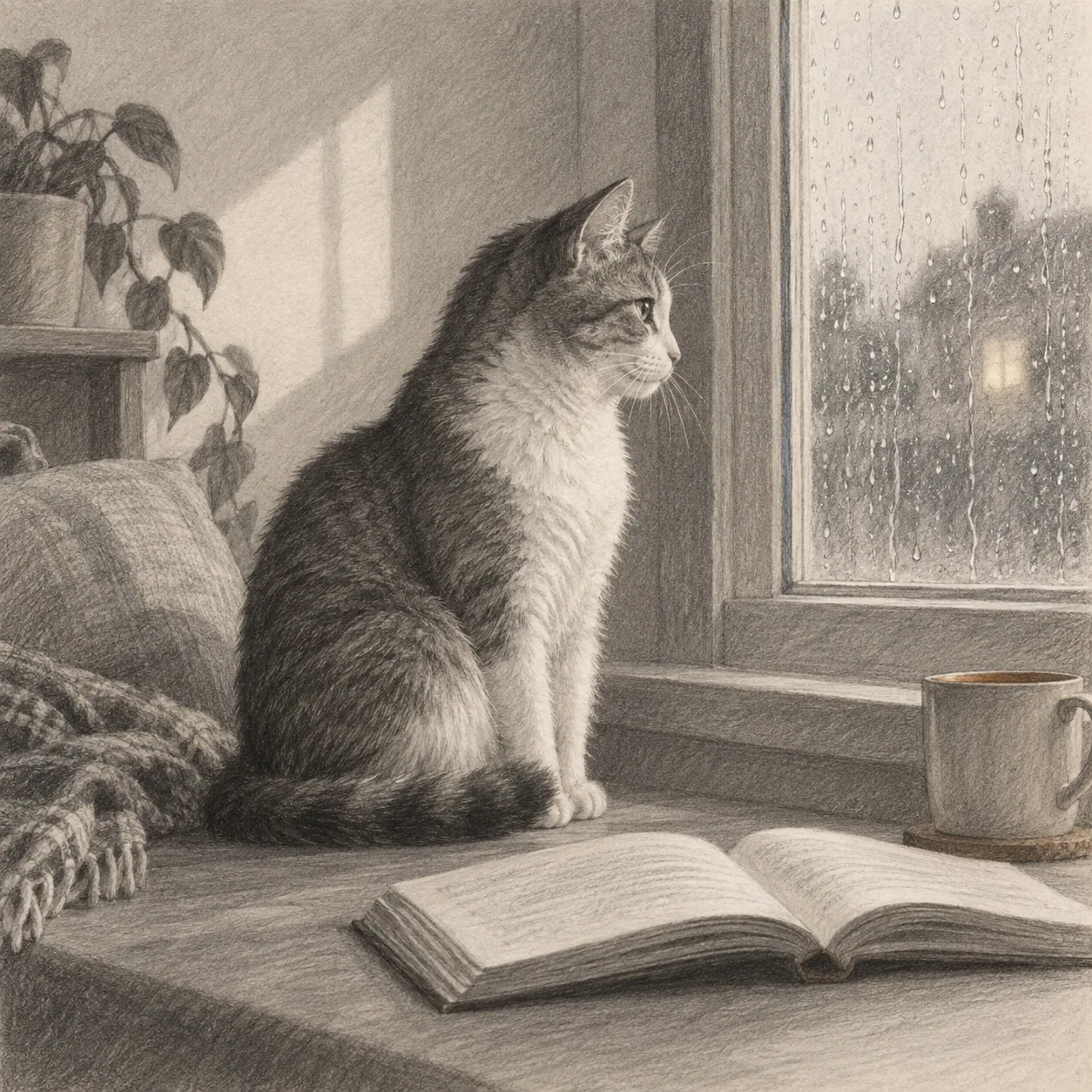
A cat reading beside a rainy window, framed by a quiet room and one bright reflection.
Focus
Silhouette and reflected light
Constraint
Use three values and one warm detail
Draw this suggestion in three moves
Try one of these related drawing suggestions, or browse more drawing suggestions below.
A little structure can unlock an idea
The generator adds a scene, a visual focus, and a gentle constraint while leaving the final decisions to you. You can interpret every suggestion with the materials and style you already enjoy.
Why use a drawing suggestion generator?
Starting from nothing can make every possibility feel like pressure. A suggestion narrows the field just enough to give your attention a direction. Once you begin, your own choices take over.
The tool is especially useful when you want a quick warm-up or a new subject outside your routine. Enter something specific for a focused study, or enter a broad mood and see what kind of scene it suggests.
How the generator works
Describe the subject in ordinary language. You can mention a creature, object, person, place, color, or feeling. The more concrete the starting point, the easier it is to imagine a composition.
The result adds a point of view and a small creative boundary. You can use it as written, change one phrase, or generate another version until the idea gives you a genuine urge to draw.
Make the suggestion your own
Treat the generated sentence as raw material. Replace the setting with a place you know, remove details that do not interest you, or add a personal memory. The strongest result is the one that gives you a decision worth making.
If you are not sure where to go next, make a thumbnail, choose one focal point, and limit your palette or time. A small action usually reveals more than another minute of searching for the perfect suggestion.
Improve a suggestion through small iterations
The first result from a drawing suggestions generator does not need to be the final assignment. Read it once and identify the phrase that creates the most curiosity. Keep that part, then adjust one variable: move the scene outdoors, change the time of day, make the subject smaller, or ask for a quieter mood. One deliberate edit is often more useful than repeatedly asking for a completely different idea.
Use the generated suggestion as a bridge between language and observation. Before drawing, underline the subject, the action, and the visual constraint. Make a thumbnail that shows all three, then decide what can stay unresolved. If the result feels generic, add a place you know or a material you enjoy. If it feels crowded, remove one noun. This process keeps the drawing suggestions generator quick while ensuring that the finished drawing still carries your point of view.
Move from words to marks
Give the generated idea a small workflow so it becomes something you can actually draw. First, circle the subject and the action. Next, make a thumbnail that places the largest shape on the page. Then choose one visual condition, such as side light, rain, a limited palette, or a low viewpoint. These decisions turn a sentence into a composition without asking the generator to solve every creative problem for you.
Keep the first drawing quick enough that you can respond to it. If the result feels flat, change the crop or value pattern before adding texture. If it feels too busy, remove the least important object. Save the original suggestion with the finished sketch and note which phrase mattered most. A simple record helps you learn how to ask for better starting points and how to trust your own edits after the drawing suggestions generator has done its part.
Questions about drawing suggestions
The generator is a starting-point tool. These answers explain what it gives you and how to turn a sentence into a drawing that still belongs to you.
What makes a Suggestion different from an Idea?
An Idea is a subject or direction you can browse in a list. A Suggestion is a more specific starting point with a scene, a visual focus, or a small constraint to help you begin a drawing session.
What should I enter into the generator?
Enter a subject, place, feeling, color, or combination you would like to explore. Concrete words help, but a broad mood is also useful when you want the tool to surprise you with the scene.
Does the suggestion generator create an image?
No. It creates a text suggestion for a person to interpret with their own materials and style. The result is not a finished image or an instruction to copy literally.
When should I use random mode?
Use random mode when choosing a subject is taking more energy than drawing. Give the result a short chance, then keep it, change one part, or return to the regular generator with a more specific starting point.
What should I do after I get a suggestion?
Underline the subject, action, and constraint. Make one small thumbnail, choose the largest shape, and decide what to leave unresolved. If the idea is close but not right, edit one phrase instead of starting over.