The five decisions behind a useful prompt
These five fields separate the subject from the visual instructions around it. You do not need to fill every field; use the ones that answer a real question about the image.
- 01
Name the subject and its action
Begin with a concrete person, animal, object, or place. Add the action or relationship that makes the subject visible: a cat watching rain, a cyclist waiting at a crossing, or a lighthouse beyond a dark shoreline.
- 02
Add details that change what we see
Use this field for a prop, material, color relationship, or emotional temperature that matters to the frame. A single worn map or reflected window can do more than a long inventory of decorative adjectives.
- 03
Choose a surface or medium
Name the visual treatment you want the model to carry: watercolor washes, charcoal marks, digital painting, editorial photography, or another clear language. Keep the style compatible with the subject and mood.
- 04
Give the light a direction
Describe the source when it should shape the values or atmosphere: soft window light, a warm desk lamp, blue hour, or a narrow neon rim. Light is useful because it tells the model where attention and contrast belong.
- 05
Set the distance and frame
Choose close-up, three-quarter, full-body, wide, or another clear framing. This decision controls how much of the environment appears and prevents the subject, background, and details from competing for the same space.
Three useful starting prompts
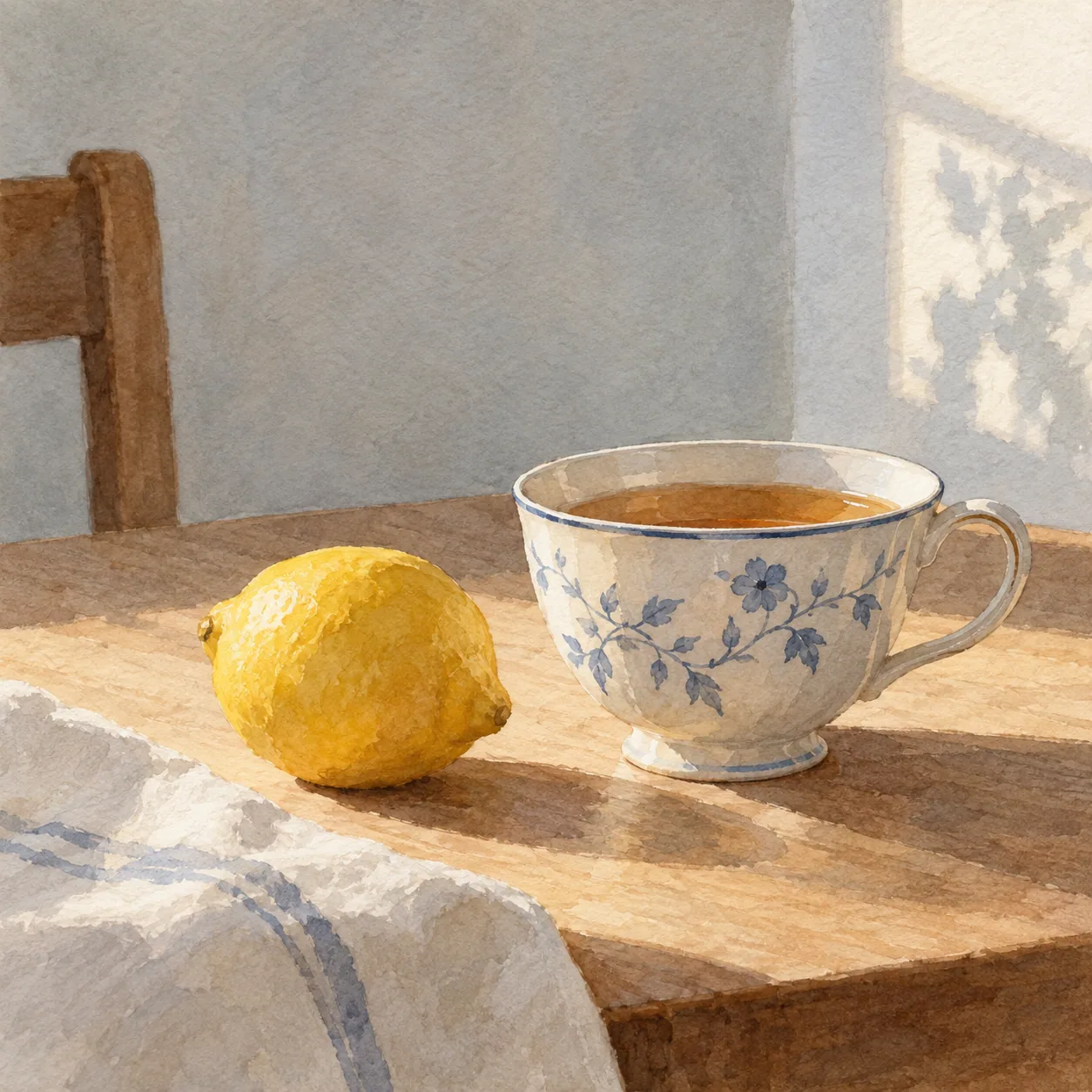 01
01A quiet object study
Create a detailed image of a ceramic cup beside a rain-streaked window, close three-quarter view, soft reflected daylight, muted blue and warm ochre palette, simple background.
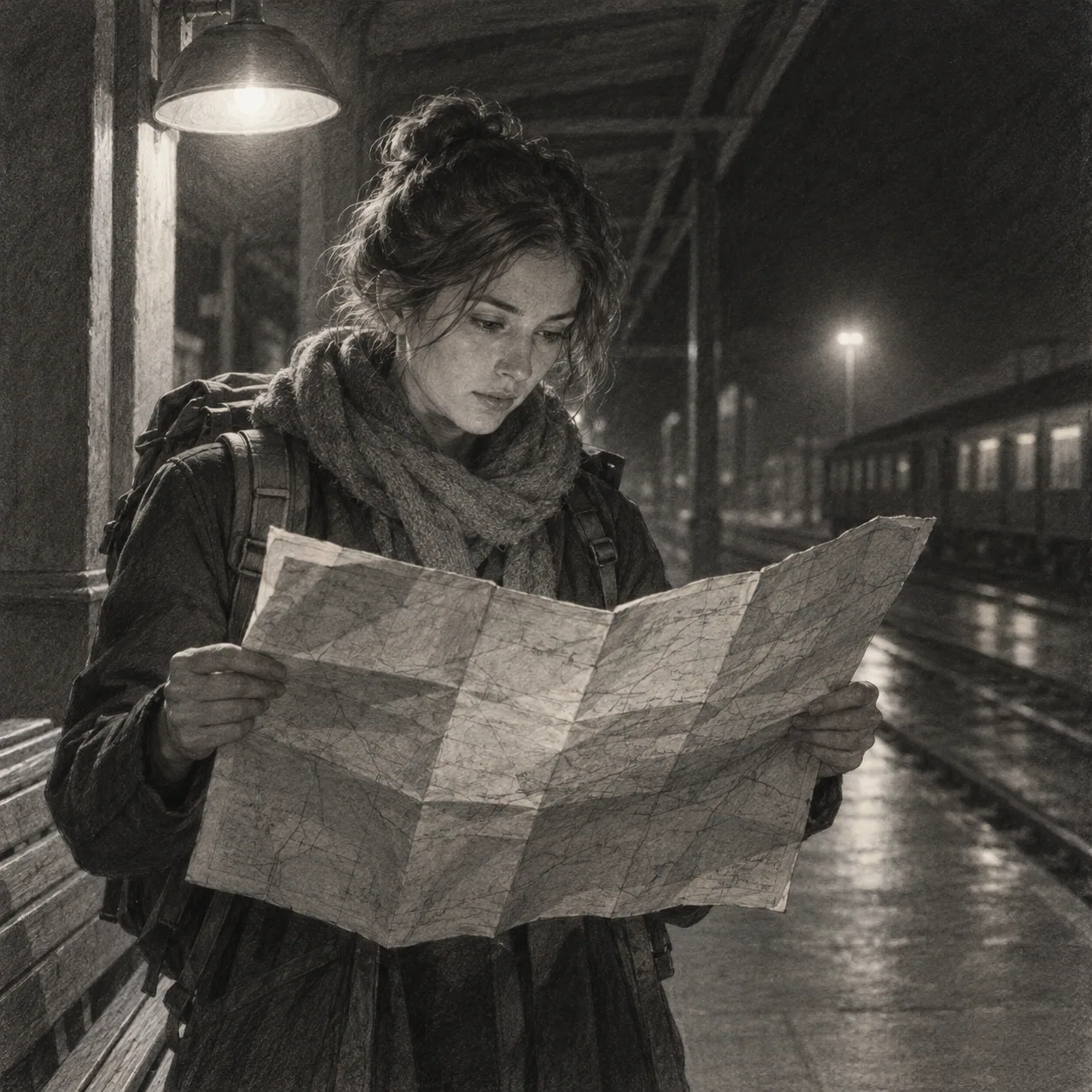 02
02A figure with a clear action
Create an editorial image of a person folding a worn map at a quiet train platform, three-quarter view, warm practical light, cool shadows, restrained atmosphere.
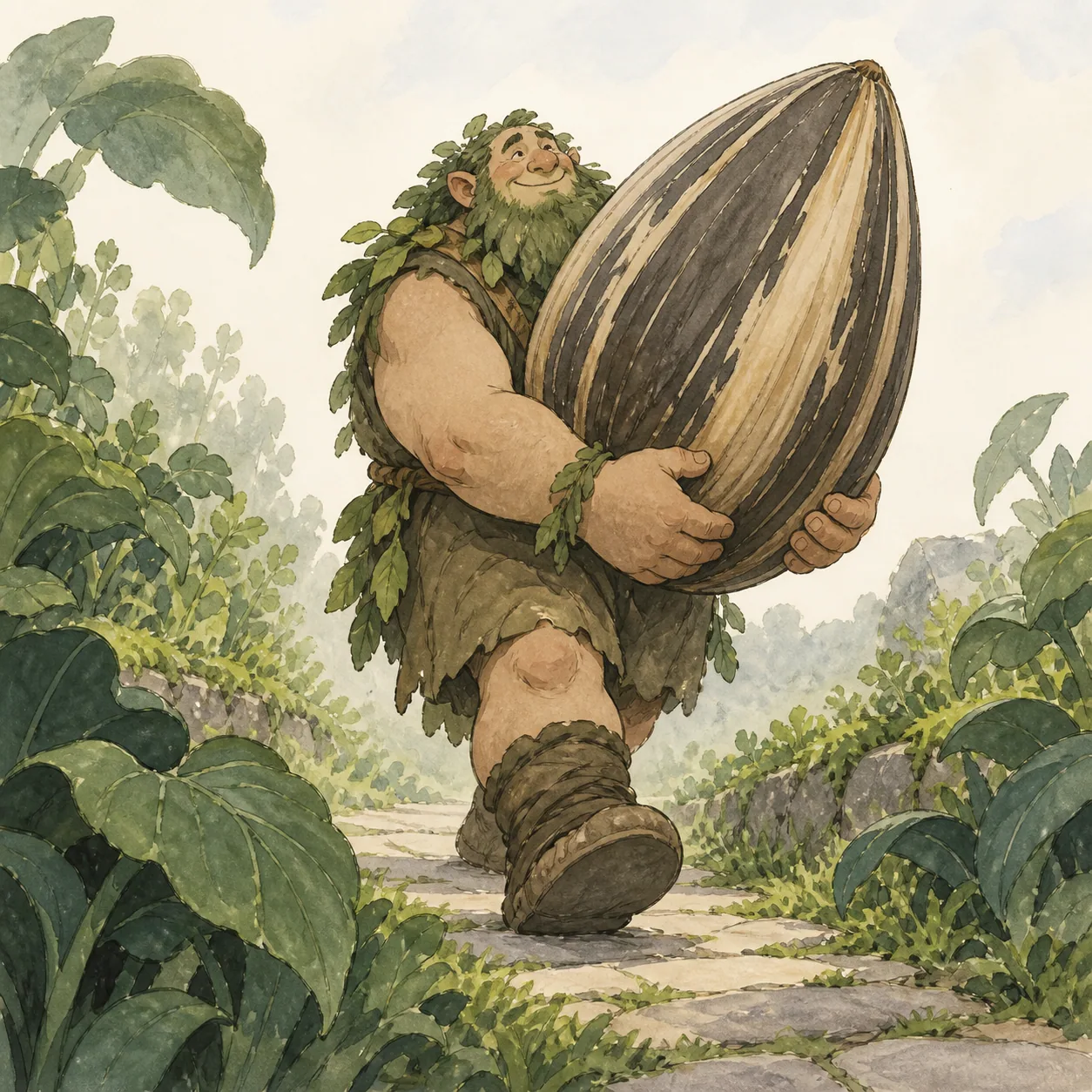 03
03A scene with one impossible change
Create a storybook image of a small garden growing from an open suitcase in a city alley, wide composition, late afternoon light, clear scale relationship, gentle watercolor texture.
Make the model understand the image
A useful image prompt gives the model a clear subject, a readable point of view, and enough visual relationships to make the result intentional. Start with what must appear, then add only the controls that change the image.
What is a drawing prompt for AI?
In this tool, a drawing prompt is a model-ready image description. It turns a plain-language idea into a visible subject, setting, composition, lighting, atmosphere, and texture, so an image model has relationships to organize rather than a loose pile of keywords.
It is written for an LLM or image generator, not as a drawing exercise for a person. The output is a strong first draft that you can copy into your workflow, inspect, and edit according to the model or image tool you actually use.
Turn text into a visual prompt
Start with the subject, action, or setting you want to see. The generator expands that idea into concrete visual relationships: what is in front, what is behind it, how the subject is framed, and which light or surface should carry the mood.
The output gives you a complete first draft while leaving the wording easy to edit. Read it once as a description of an image, then change the one sentence that does not match what you want to see before adding anything else.
Keep the output model-ready
The prompt describes visible content instead of explaining a drawing lesson. It names the subject, point of view, light, atmosphere, and shape of the frame in language that can travel between a chat model and an image generator.
Use the text with the LLM or image generator that fits your workflow. It stays readable so you can adapt the wording when a model prefers shorter phrases, a different order, or separate controls for aspect ratio and negative prompts.
Edit the generated wording
If the first result is close but not right, revise one part of the text while keeping the main subject stable. Change the crop, the action, the light, or the background one at a time so you know which decision improved the image.
A clear hierarchy is more useful than adding every possible descriptor. Keep the subject and focal relationship near the beginning, then let style and atmosphere support that decision instead of asking every word to compete for attention.
Questions before you generate
A few practical distinctions make the Text to Prompt workflow easier to use and easier to adapt to the model you already prefer.
What is the difference between an Idea and an AI drawing prompt?
An Idea is a subject or direction for a person who wants to draw. An AI drawing prompt is a structured visual description for an LLM or image generator, with instructions about the subject, setting, framing, light, and surface.
What should I enter into the generator?
Start with something you can picture: a subject, action, place, or relationship. “A fox in a library” is enough to begin. Add a mood or material only when it changes the image you want, rather than trying to describe everything at once.
Which LLM or image generator does it support?
The output is a readable, general image description rather than a private syntax for one provider. Copy it into the LLM or image generator in your workflow and adapt the order or model-specific controls when that tool needs them.
Can I edit the generated prompt?
Yes. Treat the result as a first draft. Keep the subject stable while changing one variable such as framing, lighting, material, or background. That makes the next version easier to compare and keeps the useful parts intact.
Does this page generate an image?
No. It generates text for an LLM or AI image generator. You decide which image workflow to use, then copy and adapt the prompt there.