Turn a random seed into a deliberate image
The random result is only the first decision. Keep the part that makes you curious, then add the minimum visual direction needed to make that curiosity visible.
- 01
Seed: keep the surprising noun
Start with the random subject instead of replacing it immediately. A vending machine, an empty suitcase, or a whale above a city can become interesting once you decide what it is doing in the frame.
- 02
Scene: give the seed a relationship
Place the subject somewhere and connect it to one supporting object or action. Ask what is underneath it, what it is touching, or what has just changed; that relationship turns a strange noun into a drawable scene.
- 03
Style: choose how the surprise should feel
Select a medium or visual language that supports the idea: rough charcoal for tension, watercolor for a quiet dream, or digital shapes for a clear invented world. One strong surface direction is enough.
- 04
Light: make the focal point readable
Use a light source to decide where the eye should land. A desk lamp, moonlight, or a bright doorway can separate the surprising subject from its surroundings without adding more objects.
- 05
Framing: choose how much to reveal
A close crop can make the random subject feel intimate or mysterious; a wide view can explain its scale. Pick the frame before adding extra lore so the image has a clear first read.
Random seeds worth keeping
 01
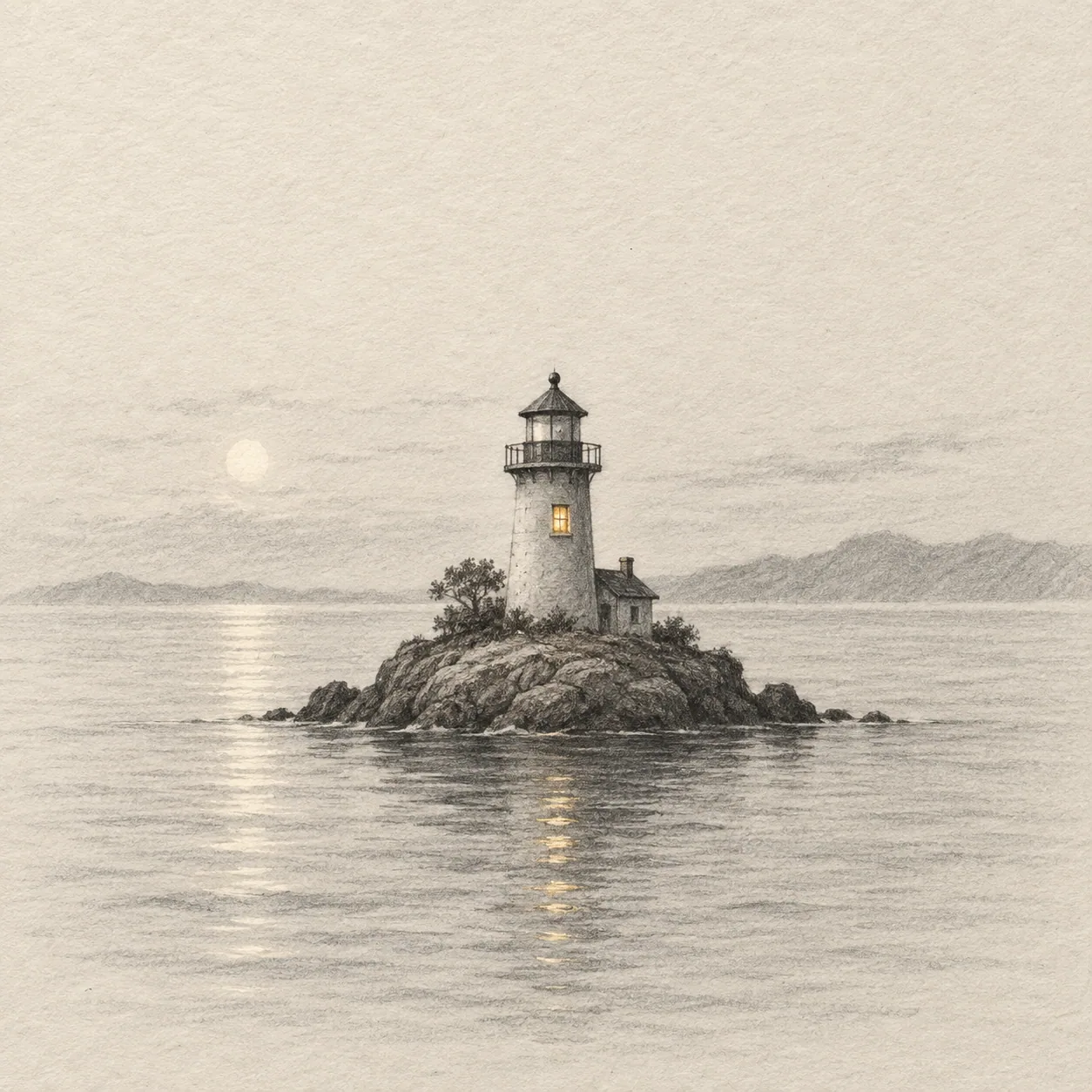
01A lighthouse in a kitchen sink
Create a surreal editorial image of a tiny lighthouse standing in a kitchen sink, close view, reflected morning light, restrained palette, clear scale contrast.
 02
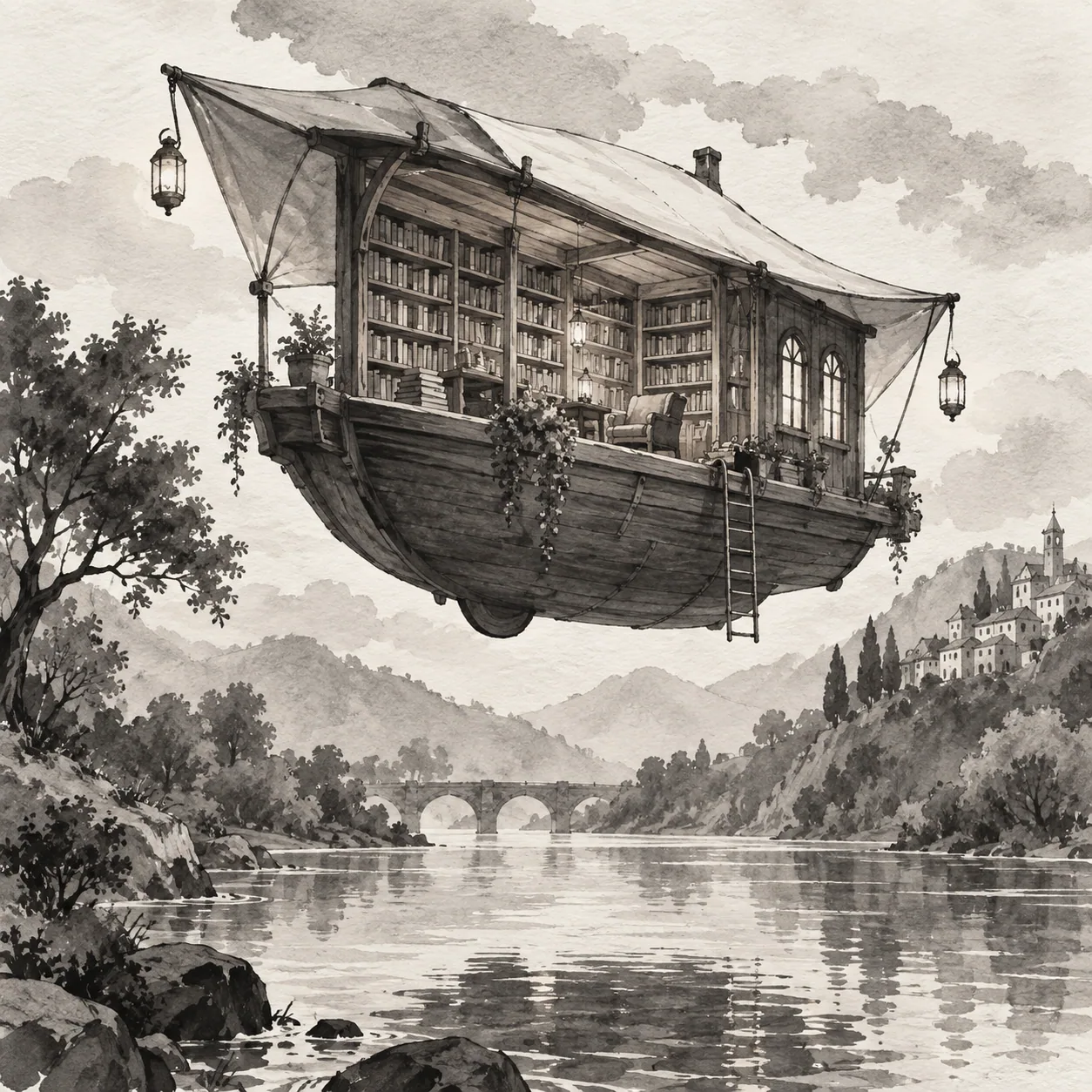
02A fox running a bookshop
Create a storybook image of a fox arranging books in a narrow shop, three-quarter view, warm window light, soft ink texture, one readable path through the shelves.
 03
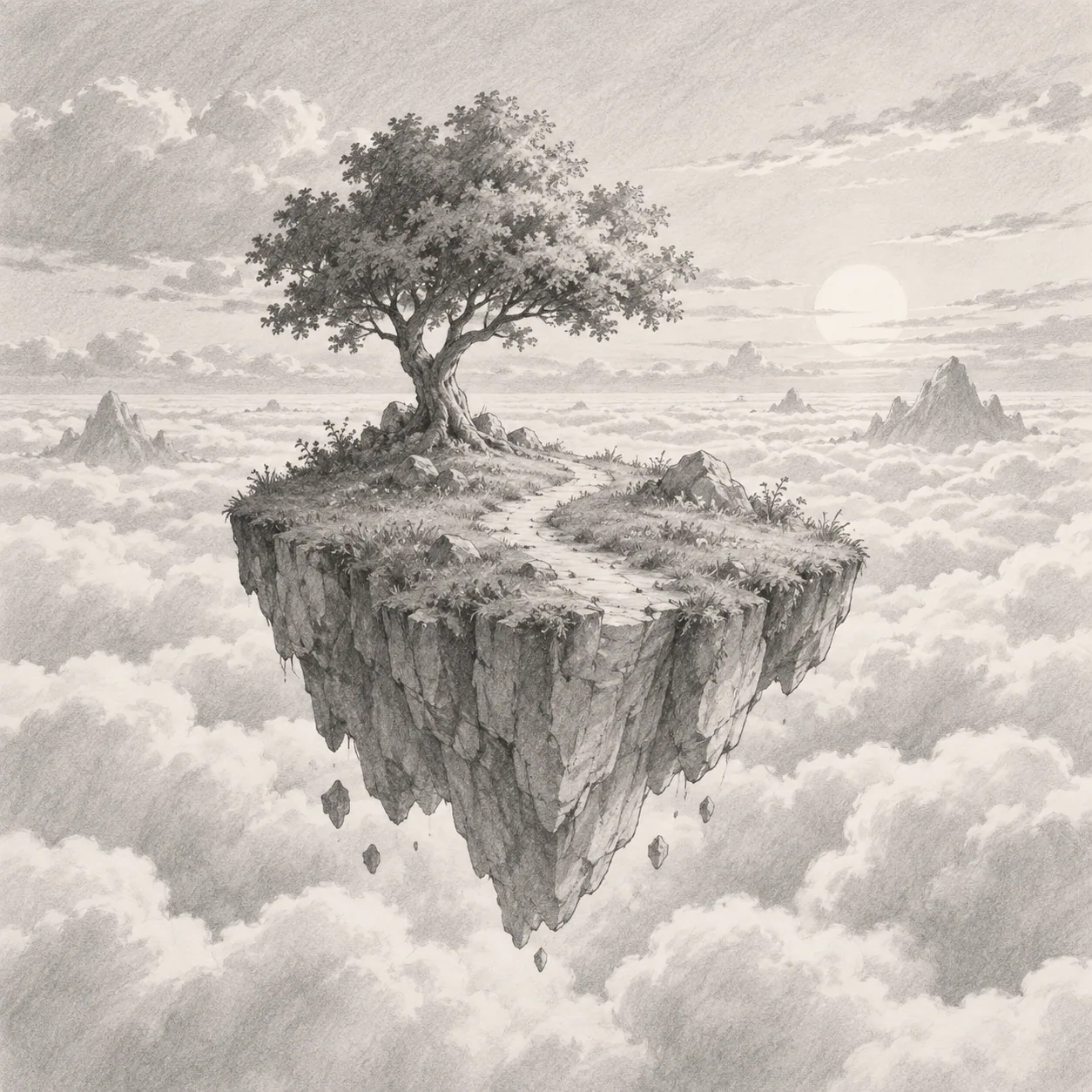
03A cloud carrying a house
Create a whimsical wide landscape of a cloud carrying a small house above a quiet valley, late afternoon light, gentle watercolor washes, open sky around the subject.
Use randomness as a creative input
Randomness supplies the starting text, but it does not decide the finished image for you. Use the same Text to Prompt workflow to turn an unexpected seed into a scene with a subject, relationship, light, and frame.
Why random prompts help
A blank prompt can make every possible image feel equally important. A random subject removes that first decision and gives the model a concrete visual problem, which also gives you something specific to accept, reject, or transform.
Treat the subject as a seed, then add the setting or relationship that makes the image worth generating. The goal is not to preserve randomness at every step; it is to use surprise before your usual preferences take over.
Edit the generated wording
Keep the surprising subject and revise the generated text to change the scene or visual direction. You might move the subject from a city roof to a greenhouse, replace daylight with moonlight, or switch from a wide view to a close crop.
One deliberate edit makes it easier to understand which instruction matters. If you change the subject, setting, style, and light together, the next result may be different without teaching you why it worked.
Turn random outputs into a series
Generate several prompt drafts from different starting ideas and keep one detail constant when comparing them. Keep the same crop, light source, or medium so the changing subject has a fair chance to show what it contributes.
When one result feels promising, keep its subject and make a deliberate second edit. A series becomes useful when it reveals a preference you did not know you had, not when every image is equally unpredictable.
Refine the prompt after the surprise
Remove a detail that competes with the focal point, or add one environmental clue that tells the model where the scene takes place. A single reflection, shadow, or object can anchor an otherwise impossible subject.
Keep the final instruction concise enough to copy and revise. A clear hierarchy helps the model understand what must appear, while leaving you room to adapt the result for the LLM or image generator in your workflow.
Questions about random prompts
Random mode removes the first decision, then gives you room to make the important visual decisions yourself.
What does random mode actually randomize?
It supplies a surprising starting subject for the Text to Prompt workflow. The generated text still needs a clear scene and visual direction, and you remain free to edit or replace any part of the result.
Can I change the random subject?
Yes. Keep it when it creates useful curiosity, or change it when it does not give you a direction. Randomness is a way to interrupt the first blank decision, not a rule you have to obey.
How many versions should I make?
Make enough versions to compare one controlled decision. Keep the same framing or medium while the seed changes, then keep the subject that gives you the clearest next edit.
Can I use a random prompt in my image workflow?
Yes. The result is text for an LLM or AI image generator. Copy it into your chosen workflow and adapt its order, aspect ratio, reference-image settings, or negative-prompt syntax there.
Does random mode generate the image for me?
No. It creates a starting text and a model-ready prompt. The image is made in the LLM or image generator you choose.