Digital portrait prompts to try
 01
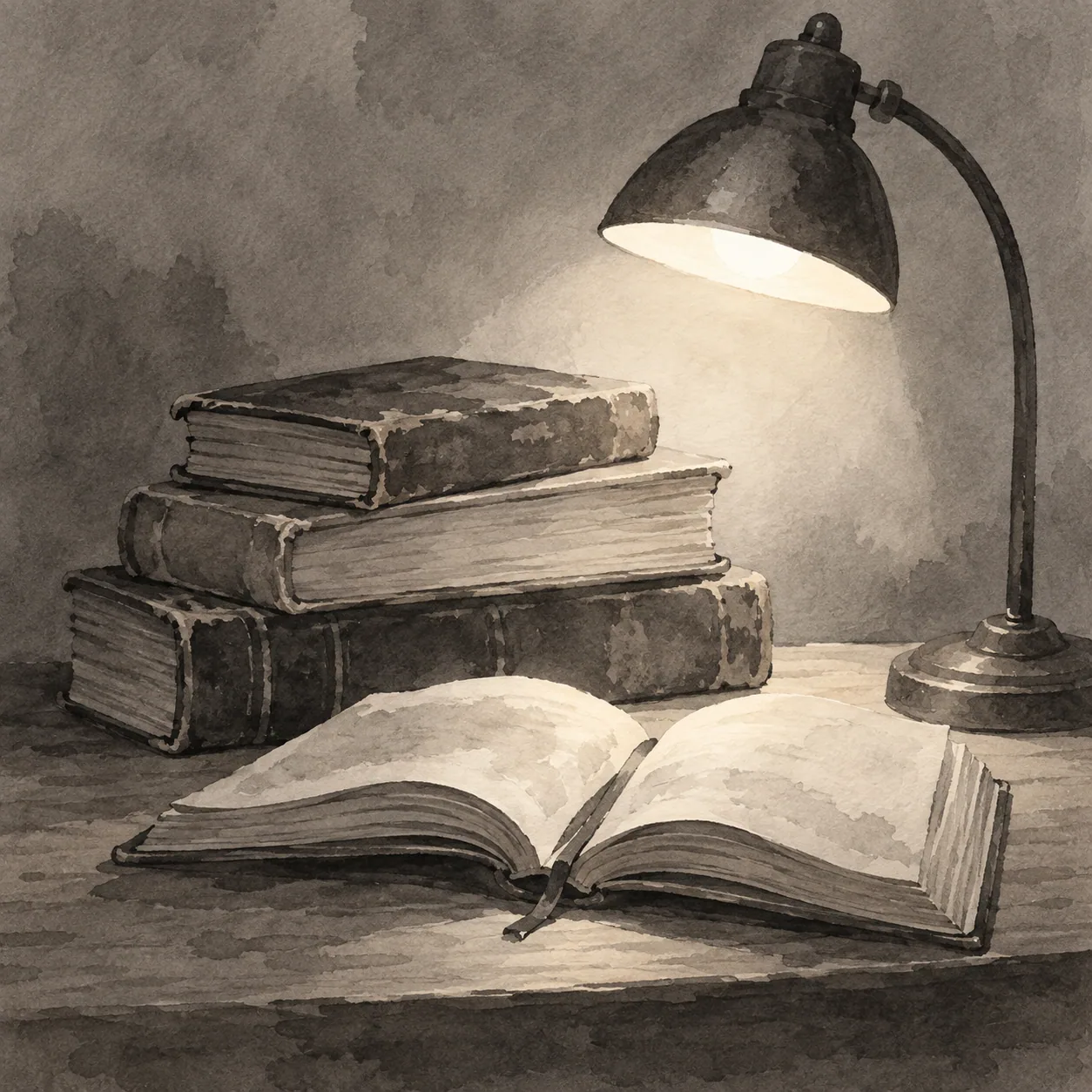
01A composer under a studio light
Create a refined digital portrait of a composer reviewing handwritten music, three-quarter view, controlled studio key light, muted burgundy and slate palette, quiet background.
 02
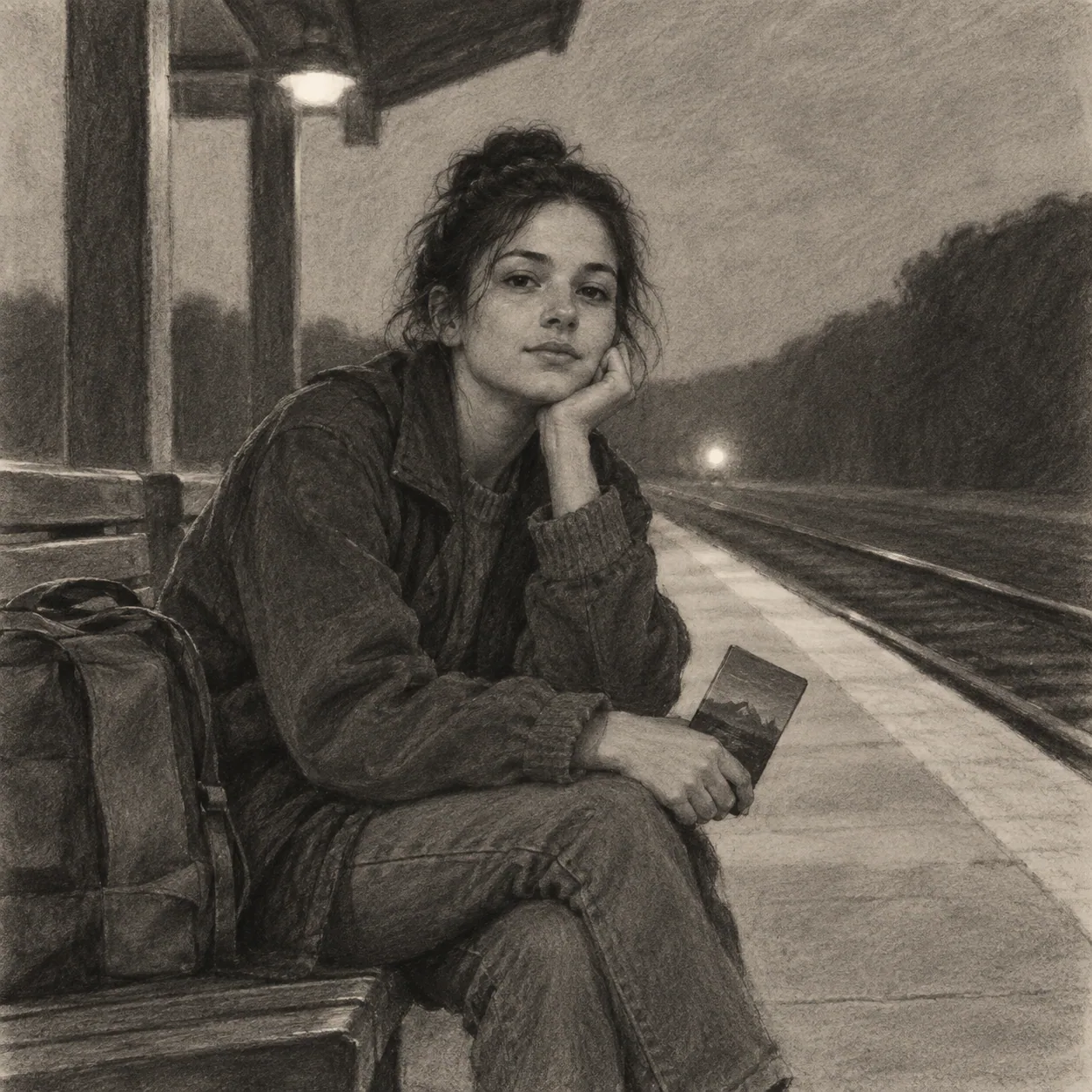
02A night-shift florist
Create an editorial digital portrait of a florist arranging white flowers after closing, close-up hands and face, cool window reflection, clean value planes, restrained expression.
 03
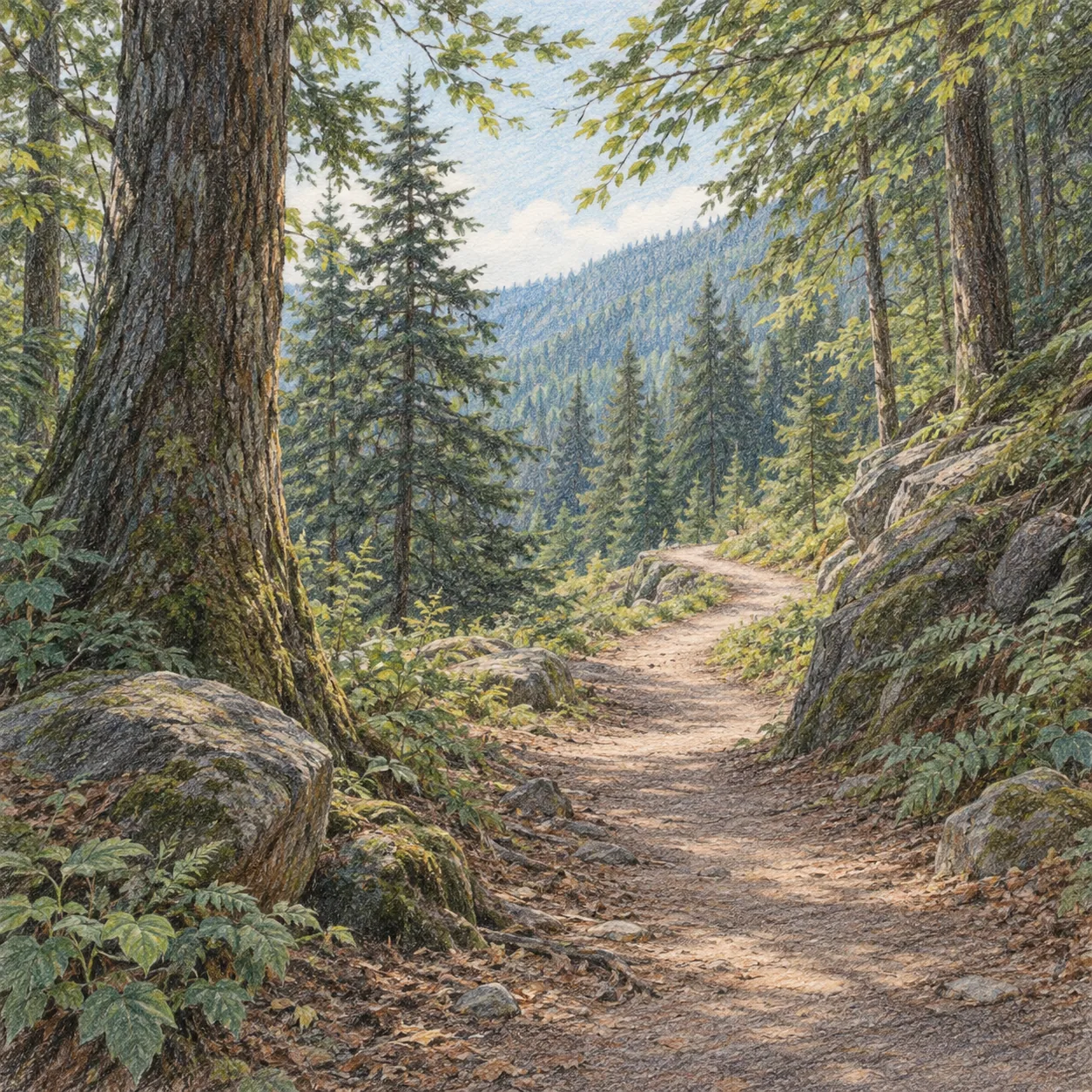
03A traveler with a worn map
Create a cinematic digital portrait of a traveler folding a worn city map at a night station, three-quarter crop, warm practical light with a cool rim, layered brush texture.
 04
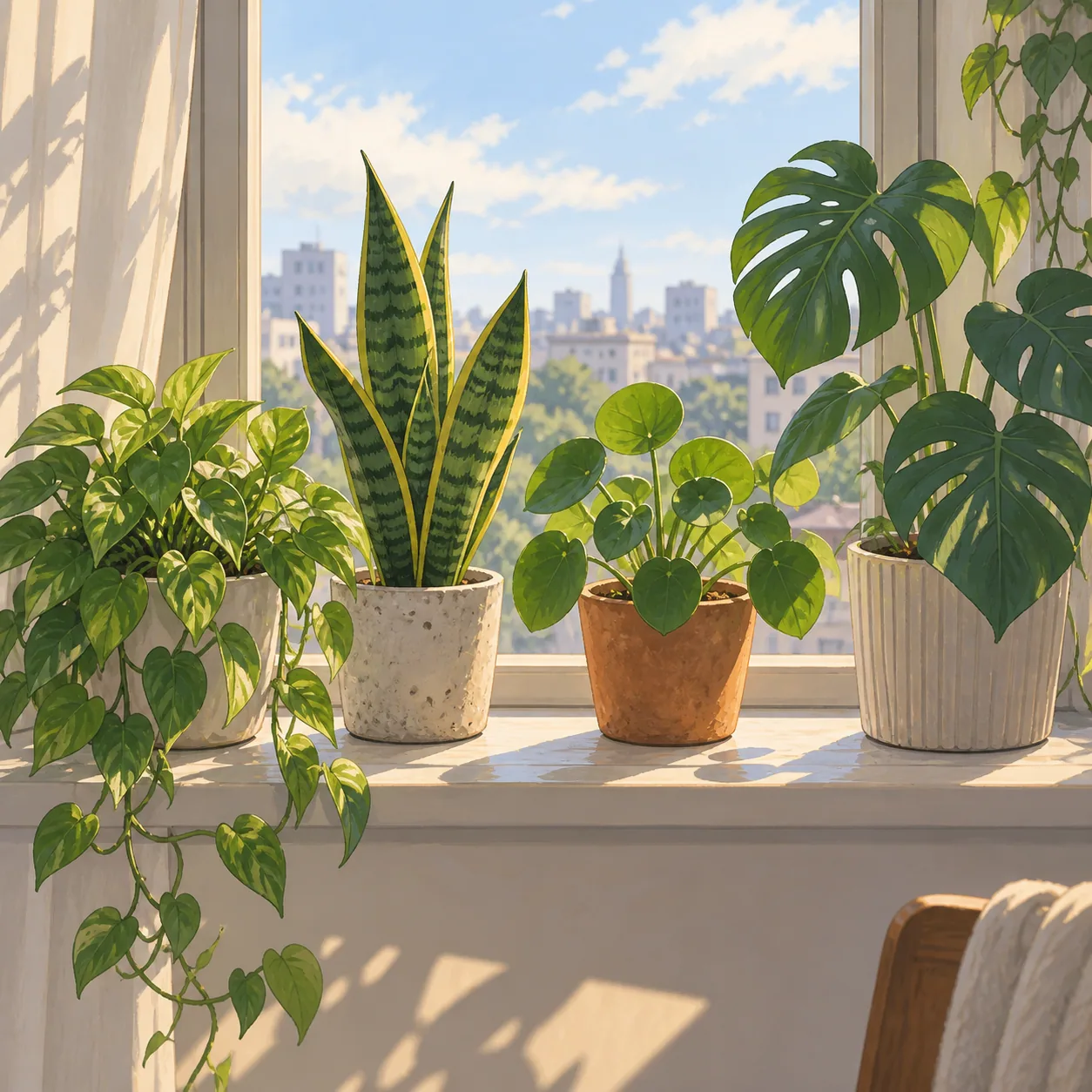
04A scientist in a greenhouse
Create a detailed digital portrait of a scientist observing a rare plant in a humid greenhouse, waist-up composition, diffused overhead light, deep green atmosphere, focused gaze.
 05
05A violinist before a performance
Create a nuanced digital portrait of a violinist waiting backstage with an instrument case, half-length crop, one warm practical light, cool shadowed corridor, composed expression.
Give the portrait a reason to hold attention
An expert portrait prompt can carry subtle expression and layered lighting, but each detail should support the face, gesture, or story rather than compete with it.
Begin with a visible point of view
Describe the person through a pose, action, or relationship to the camera. A portrait subject adjusting a glove, turning toward a window, or holding a letter gives the image more structure than a list of personality traits.
Choose the crop before the surface treatment. Close-up, three-quarter, and full-body views ask the model to solve different relationships between face, hands, clothing, and environment. That choice is especially important when the portrait carries a quiet narrative.
Use digital style as a controlled surface
Digital painting can range from crisp shape design to visible brushwork. Name the surface behavior you want: layered brush edges, restrained texture, clean value planes, or a limited color script. Avoid stacking incompatible styles unless the contrast is part of the concept.
For an expert workflow, specify where the image should stay quiet. A simplified background or reduced detail around the shoulders can keep attention on the face and make the chosen expression easier to read.
Separate expression from decoration
State the expression through face, shoulders, hands, and gaze. A slight turn of the mouth becomes more believable when the posture and light support it. Use one or two physical cues before adding a mood word such as restrained or watchful.
Generate a clear first draft, then revise one instruction at a time. Change the key light, camera distance, or background shape while preserving the person and gesture. This gives you a useful comparison instead of an unrelated sequence of outputs.
Test the portrait under different light
Keep the pose stable while comparing a narrow window light, a studio key with a soft rim, and a cool street reflection. Each source changes the value pattern across the face and gives the same character a different emotional temperature.
If the face becomes overworked, lower the number of surface instructions. Let one clear light direction and a deliberate crop carry more of the portrait. Digital detail is useful after the image has a strong read, not before.